Tuesday, January 10, 2012

New Assignment: Portfolio Website

Hello Students,
Your next assignment is to create a portfolio website for yourself. This is your opportunity to show off the work you have completed during this class and display the creative and technical skills you have developed. Your portfolio site must be rich in graphics and utilize the techniques from our previous web projects. You are also required to write about yourself and to complete some research and write about your possible future career path.


Portfolio Website Requirements:
• You must create a rough pencil sketch of your websites front page, points will be deducted if your results do not match your original concept. Some variation is acceptable.
• All buttons must have rollovers.
• The website must be designed with Illustrator or Photoshop and then sliced and exported to Dreamweaver.

• Must have the following sections:

  • front page or main section - file must be named index.html
  • about me
  • work samples
  • resume
  • You can have other sections if you want to add, but each page must have content, text, photos, links

• Write a 1 page biography about yourself to include in the "about me" section.
• Take a photo of yourself to include in the "about me" section, this photo can be turned into an illustration with Illustrator or processed with photoshop. A camera can be provided upon request.
• Research 1 possible career you are interested in and write a 1 page paper about the career, what does it involve, what is the salary range, what kind of education do you need, how do you break into the career. Include this in your "about me" section. You can use career locker for research.
• Show your best or favorite work samples, minimum of 3. You can include work from other art, design or ROP classes. Write a 1-2 paragraph summary for each work sample.
• Include your resume, cover letter and list of references in your resume section.

Meeting the minimum requirements above does not guarantee an A+. You must put the time and energy into the project and really use it as an opportunity to shine. Include more material and content and information to guarantee a stellar grade. Must be original work that you created, create some artwork, take some photographs, make a movie, write a paper... this is your portfolio, make it shine.

Grading for total of 100 points:
20 Points - Portfolio website meets assignment specs and requirements
20 Points - Portfolio contains all sections
20 Points - Portfolio links work correctly and is error free (including spelling and grammer)
20 Points - Portfolio has no missing graphics or elements
20 Points - Portfolio turned in on time and complete

Pencil Sketch and concepts are due: Friday.
Final Portfolio site is due: Jan 24th

Check out these collections of amazing portfolio sites for inspiration:
Inkfumes - The Online Portfolio of Seth Wilson
50 Excellent Designer Portfolio Sites
50 beautiful and Creative Portfolio Designs
24 Kick A$$ Portfolio Designs

Check out these examples of web page portfolio design from previous students:


Ok, stay focused, work hard and have fun!

 - Mr.W

Monday, December 19, 2011

Mid-Year Course Survey

Hello Students,
Please follow the link below to complete the ROP Mid-Year Course Survey. This information is important to ROP and is used to secure funding and ensure future ROP courses are offered at your school. Please fill out the survey with your name and answer all questions honestly.

Link: ROP Mid-Year Course Survey

Thank you,
- Mr.W

Thursday, December 15, 2011

New Assignment: Print Portfolio Development

Hello Students,
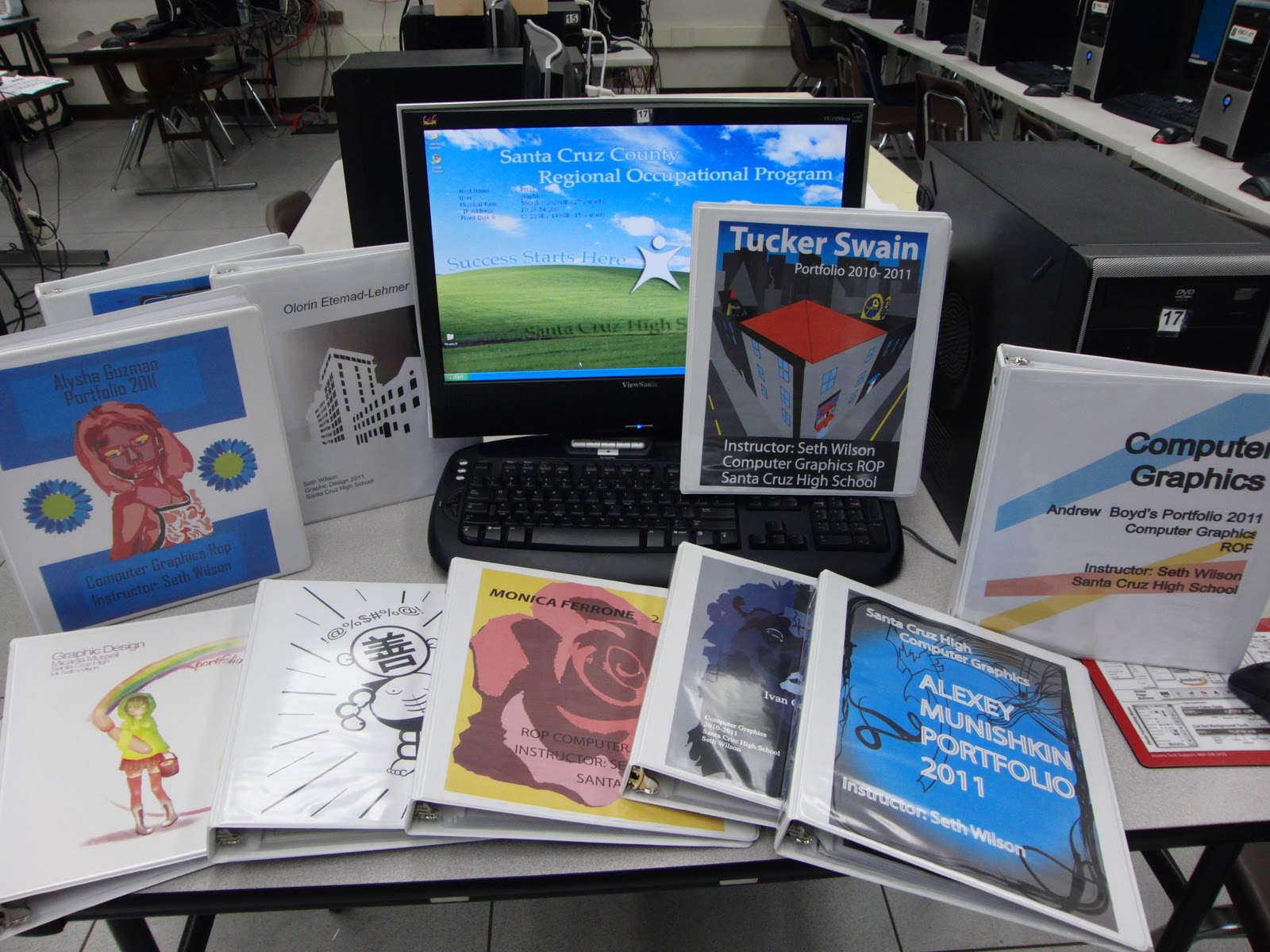
Having a polished and professional looking portfolio is key to your success in finding work after High School and moving on to developing a career. Download the ROP Portfolio Handbook to use as a guide for creating your own portfolio.

Remember that the best portfolio in class will be sent to the portfolio design competition that ROP has at the end of each school year, your portfolio will compete against other web design classes across the county, and there is a prize.
A judge evaluates print portfolio's from past entrants...

Portfolio Development Assignment:
  • Your portfolio must be created in Indesign and final file must be a PDF document
  • Use the Pages palette to create multiple pages for your portfolio
  • Your portfolio cover, table of contents and all materials should look clean and consistent. Use consistent design style across all aspects of your portfolio

Your Portfolio must contain in this order:
  • Cover page with your name, class title, year. Spend some time on this, it should show good design skill and be reflective of your personality
  • Table of contents
  • Letter of Introduction
  • Resume
  • Handwritten Job Application 
  • List of References
  • Letter of Recommendation -  cannot be from your ROP teacher or a family member
  • 3 or more work samples with written explanation about the work, why is it important to your career choice? What did the project entail, what were the challenges and difficulties? Give us details.
How Your Portfolio Is Evaluated:
  • Contains required content and format
  • Well organized
  • Free of grammer problems
  • ROP related work samples
  • Shows creativity
  • Nice appearance
  • Shows skill development
  • Appropriate for use in job search
  • Professional appearance
  • Nice presentation

Use this as a guide to laying out your own portfolio...
Ok have fun!

- Mr.W

Monday, December 12, 2011

New Assignment: Vintage Pop Art Poster Tutorial

Hello Students,
Having exceptional skills with Photoshop is a must have in this current job market. Your creativity can be unleashed if you have in depth understanding of graphic design tools, such as Photoshop.

Your new assignment is to work through the vintage pop art poster tutorial. Click the link below to access it. This is a great exercise in gathering materials and using advanced technique to create grungy and weathered looking artwork, but don't despair... it is easier than you think. Your results should look close to the image below, you can use your own photo and text.

Link: Vintage Pop Art Poster Tutorial
Link: Grungie Paper Textures
Link: Textures and Backgrounds
Link: Creative Commons Images

Wednesday, December 7, 2011

Friday: Special Guest Speakers

Students,
On friday we will have special guest speakers in our classroom to discuss what they do and what it takes to work in a professional environment. Please prepare by researching their work and writing some questions to ask during their appearance.

Our guests are:
Ross McClenahan from Tree Top Design
Gary Maricich from Jam Design Group

Guest Speaker Preparation Assignment:
  • Do some research online about our guests and the work they do, check out their websites and look them up online
  • Write 10 thoughtful questions you can ask these seasoned professionals.
  • Consider issues around how they entered their careers, what are the challenges? What are the most enjoyable aspects of their work? Who has influenced their work? Who or where did they learn their craft from?
  • Write your questions down on paper, add your name on the upper right corner and turn into my inbox. On Friday retrieve your questions for use during the guests appearance
- Mr.W

Friday, December 2, 2011

New Assignment - Modify A Website With CSS

Hello Students,
Your next CSS assignment is to modify an already existing website that you have created previously with CSS. Your project details are below:

CSS Modify Assignment:

  • Create a copy of one of your prior handbuilt HTML website projects. This could either be your "Job Hunting" website or the "Mini" website project we did back in early September. Just make sure it is an HTML driven site and wasn't created with the Photoshop to Dreamweaver process.
  • Open the HTML file and make a list of all the HTML tags it contains, like paragraph tags, header tags, list tags etc...
  • Create a CSS file that modifies your HTML tags. Make a link to the CSS file in your HTML document.
  • Create new or modify your CSS so that each page of your website has a unique design, so different fonts, colors, sizes etc for each page. 
  • Make 4 different CSS scripts for the 4 pages of your website.
  • When testing your HTML site, each page should have a unique look from the CSS file.
  • When complete zip up your HTML, CSS, and any other files that go along with your website and email to me.
Due at end of class Monday...

- Mr.W